
Turn every customer interaction into growth
Smart NFC + QR products that help customers review, follow, subscribe or pay — with one simple tap or scan.
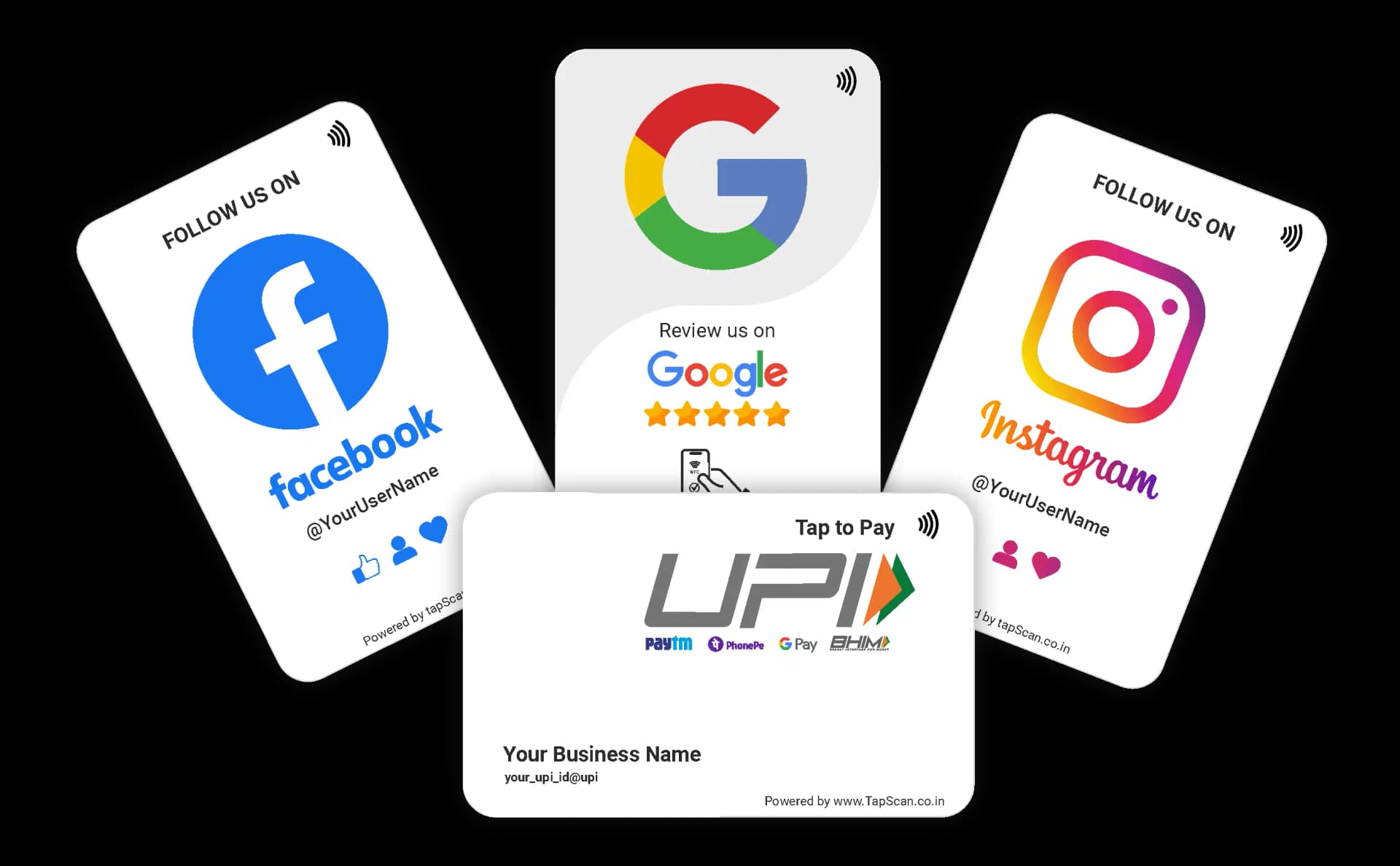
 Google Reviews TapScan product in useOriginal TapScan Google Review card and standee combo. Shown at a suggested restaurant checkout placement while a phone opens the configured destination.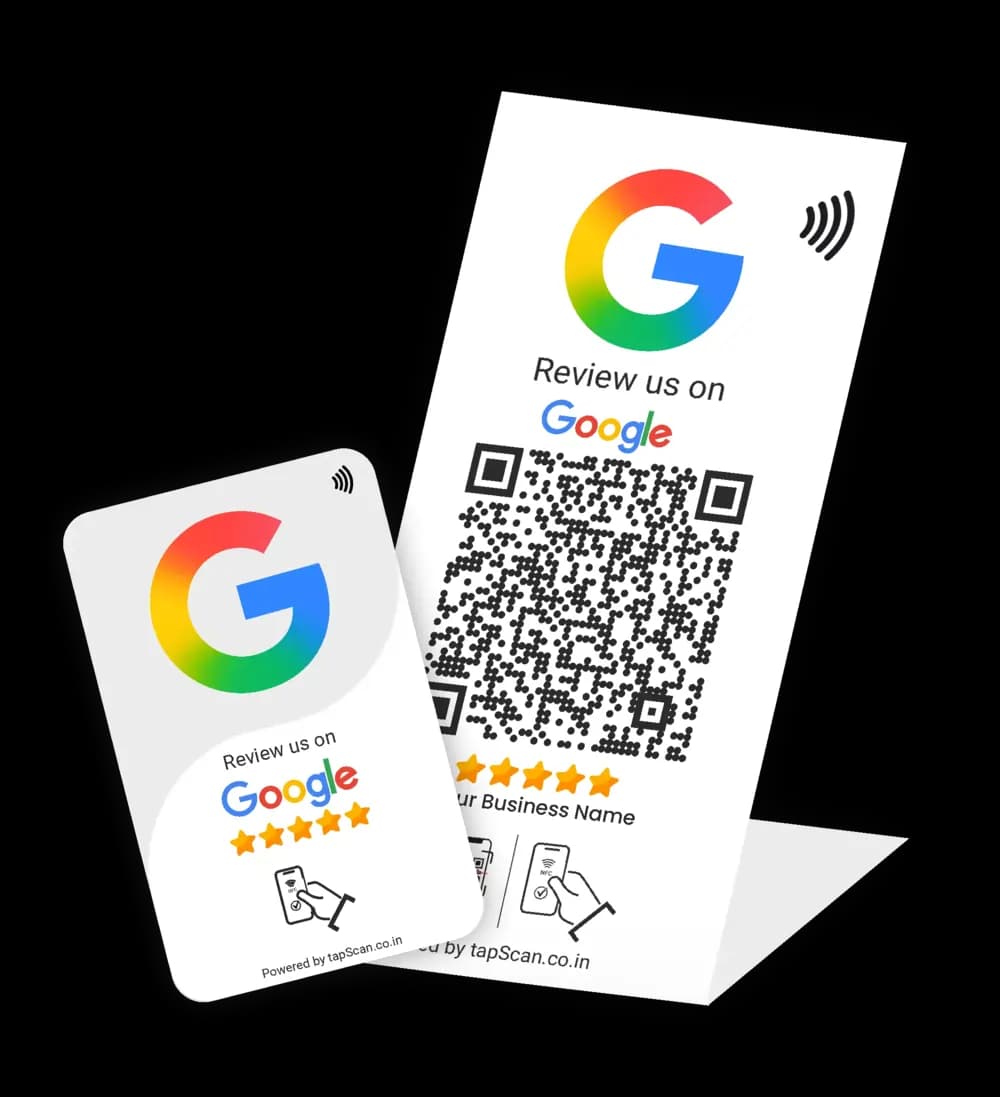
Ready to tap
Hold near the TapScan product

Your business
Publicly posted
Rate your experience
☆ ☆ ☆ ☆ ☆
Share details of your own experience
Make your review page easy to reach
Place the card or standee at checkout and let customers open your Google review page without searching.
Free India shipping
GST invoice available
Secure payments
Ready to use
NFC + QR
Shop by goal
What do you want your customers to do?
Choose the action that matters at your next customer touchpoint.
Swipe to explore every goal
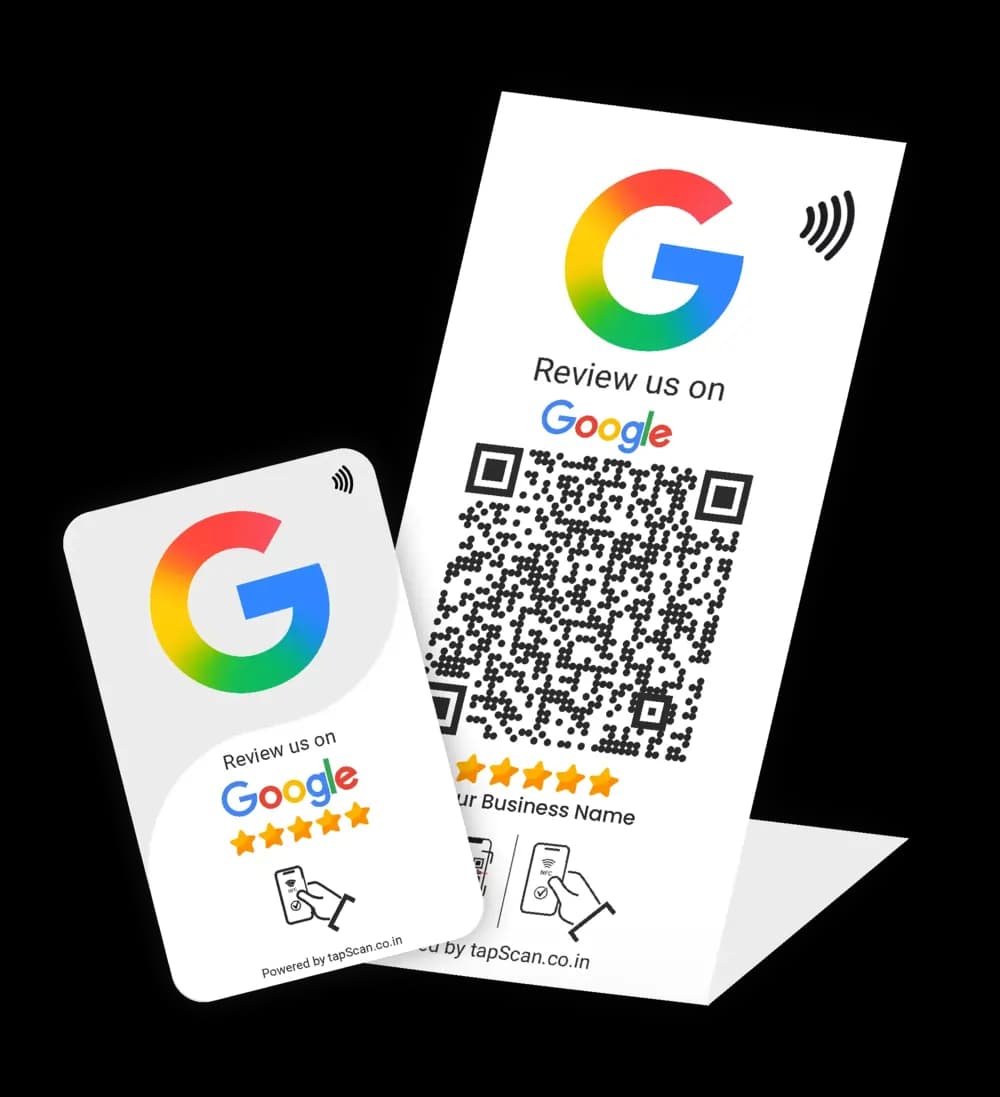
Open your Google review page
Give customers a direct, optional route to leave honest feedback without searching for your business.
Compare Google products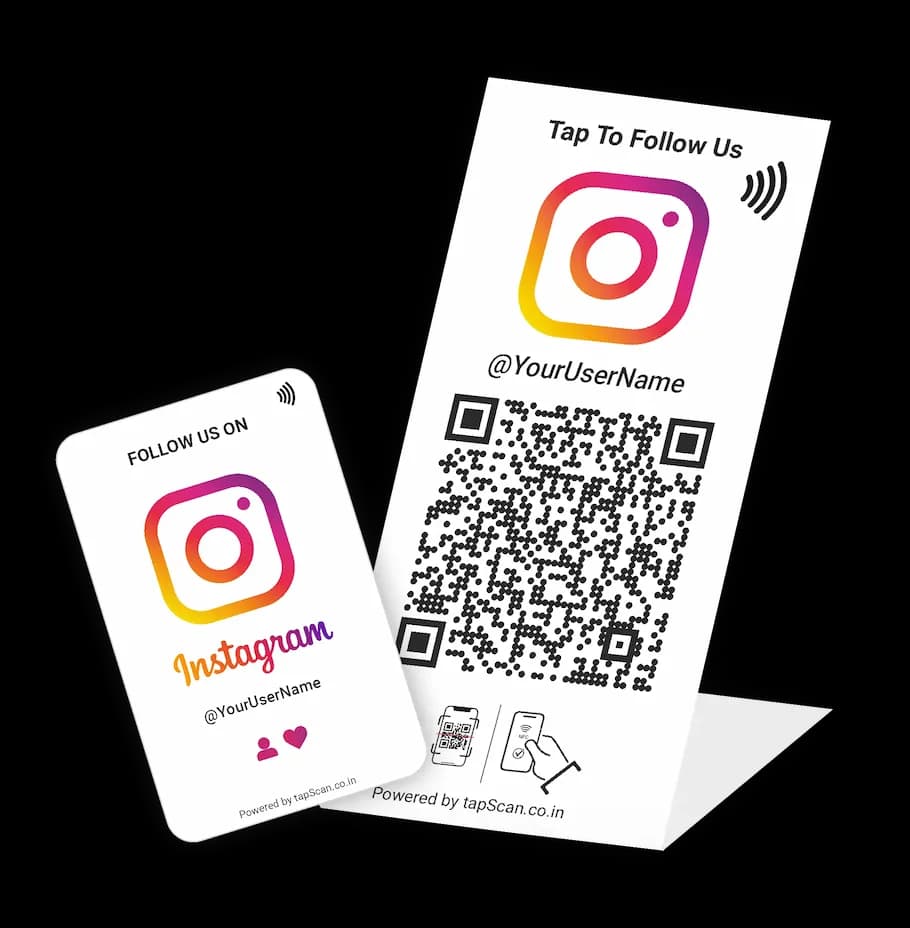
Open your Instagram profile
Let visitors find the correct profile with a tap or scan, then choose whether to follow or engage.
Shop Instagram products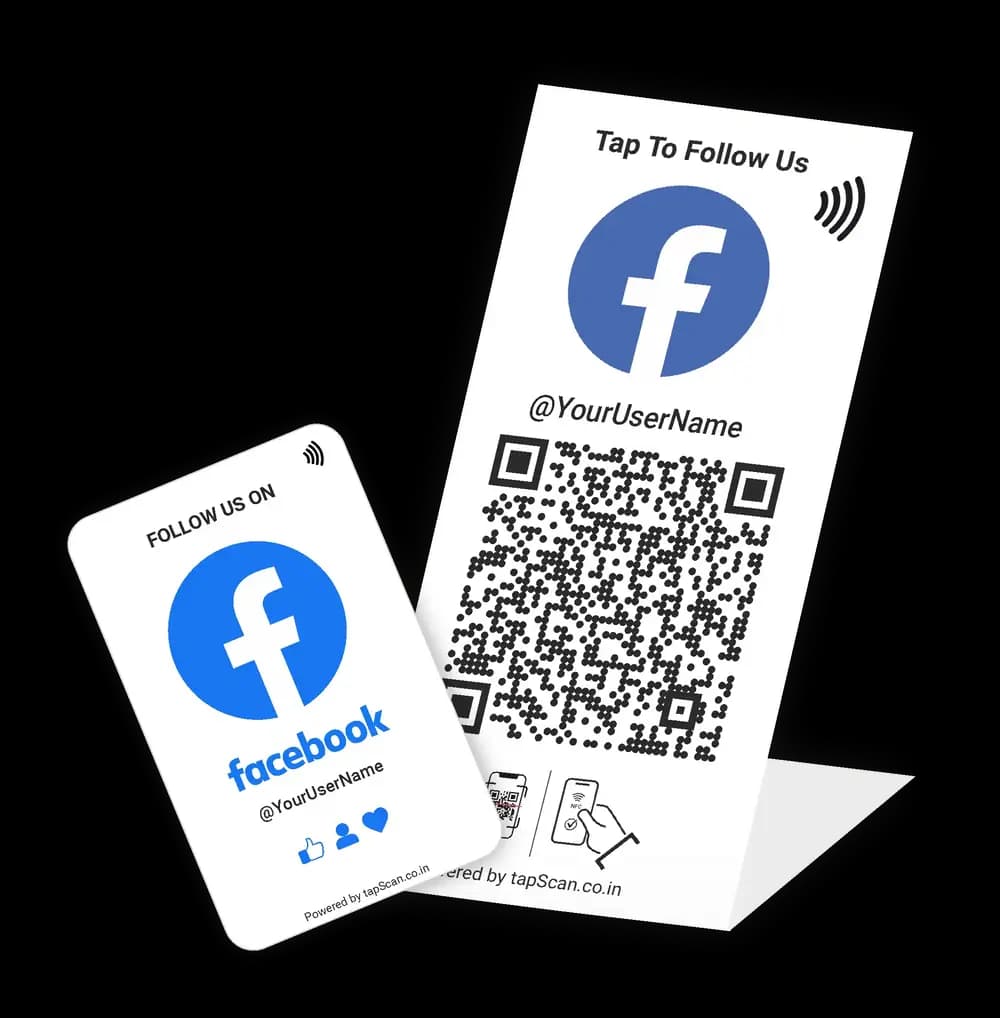
Open your Facebook page
Make your business page easier to reach at reception, tables, checkout, or event touchpoints.
Shop Facebook products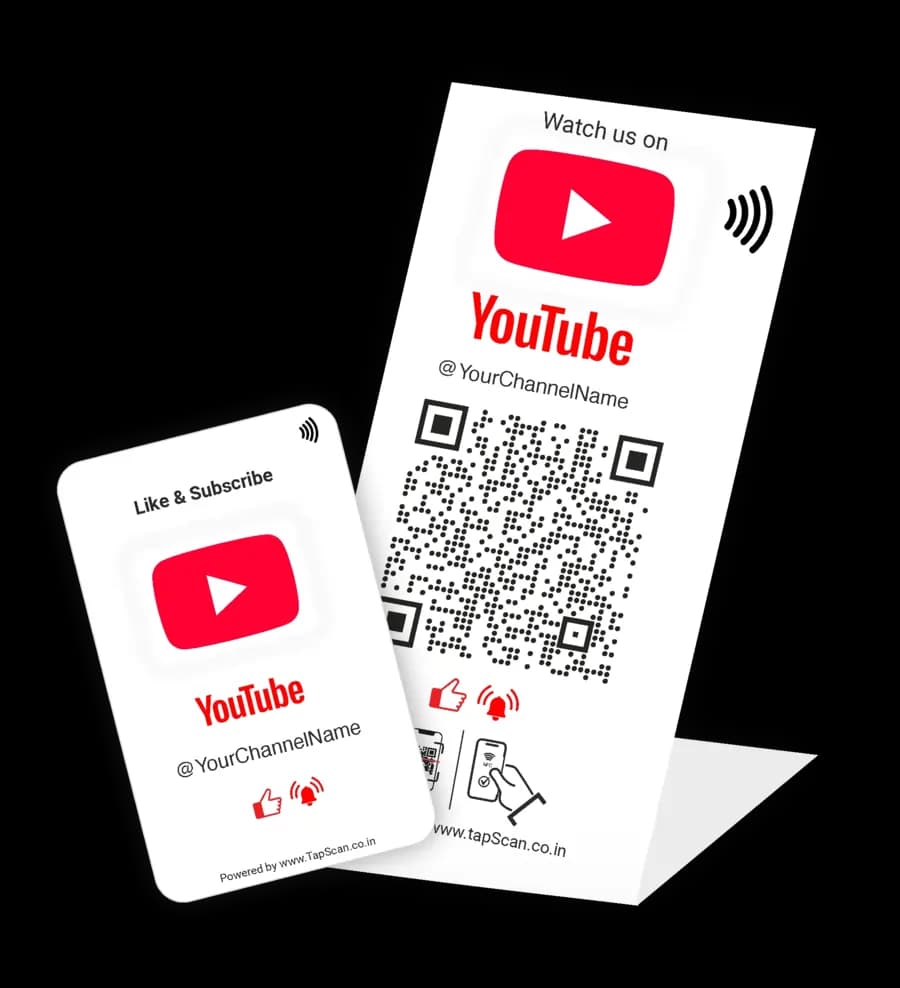
Open your YouTube channel
Connect an in-person audience to your channel without asking them to type or search for its name.
Shop YouTube products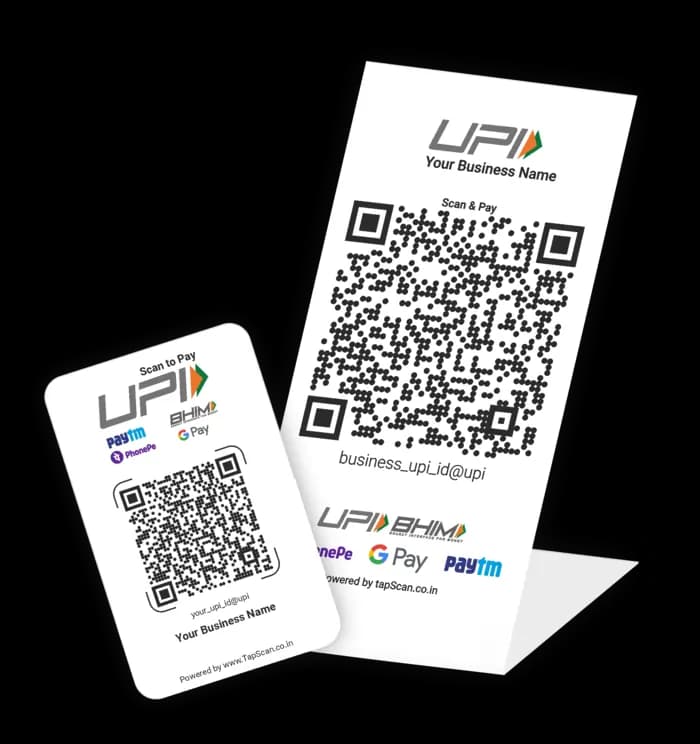
Display your UPI payment QR
Keep your supplied payment QR clear and easy to scan at a counter, stall, or service point.
Shop UPI productsHow TapScan works
One tap. One action. Done.
A simpler bridge between an in-person moment and the right digital destination.
Tap or scan
A customer taps the NFC product or scans its printed QR code.
Opens instantly
The configured destination opens on their phone. No TapScan app or searching.
Customer takes action
They choose to review, follow, subscribe, or complete a UPI payment.
Real products, live catalogue
Popular with Indian businesses
Current prices and availability come directly from the TapScan catalogue. Choose a product to add your business details.
Real-world placement
Built for businesses like yours
Put the right action where customers naturally pause, pay, collect, or check out.
Swipe to explore business types
Restaurants & Cafés
Best placementsBilling counter • Dining tables • Takeaway pickup
Salons & Beauty
Best placementsReception • Styling stations • Checkout
Gyms & Studios
Best placementsCheck-in desk • Mirror zone • Renewal counter
Retail Stores
Best placementsBilling counter • Display area • Store entrance
Find your format
Choose the right TapScan setup
Swipe to compare formats
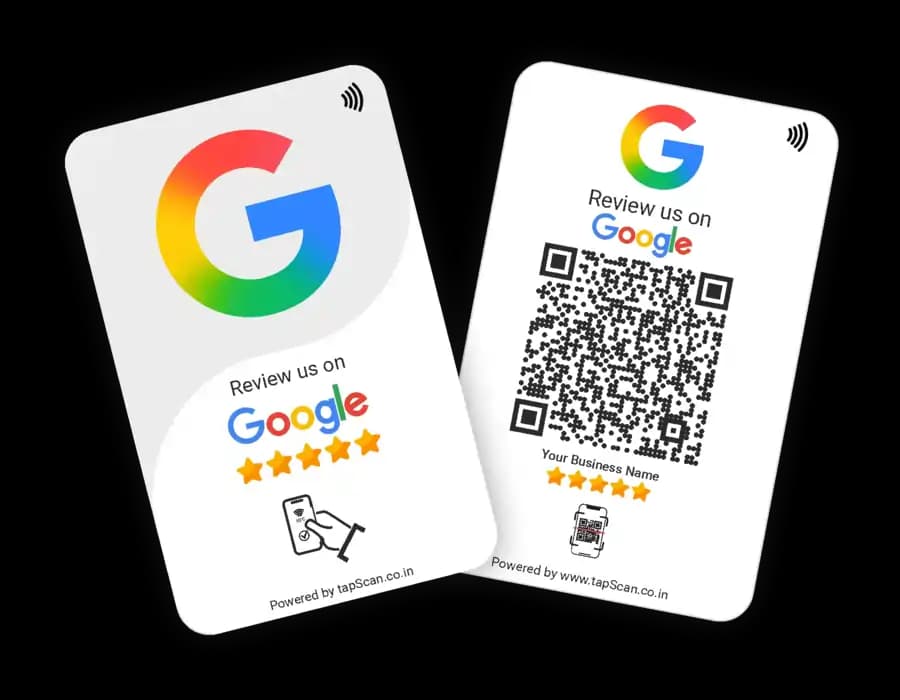
NFC + QR Cards
Portable and easy to place at tables or hand to customers.
✓ Compact format
✓ NFC tap + printed QR
✓ Personalised link
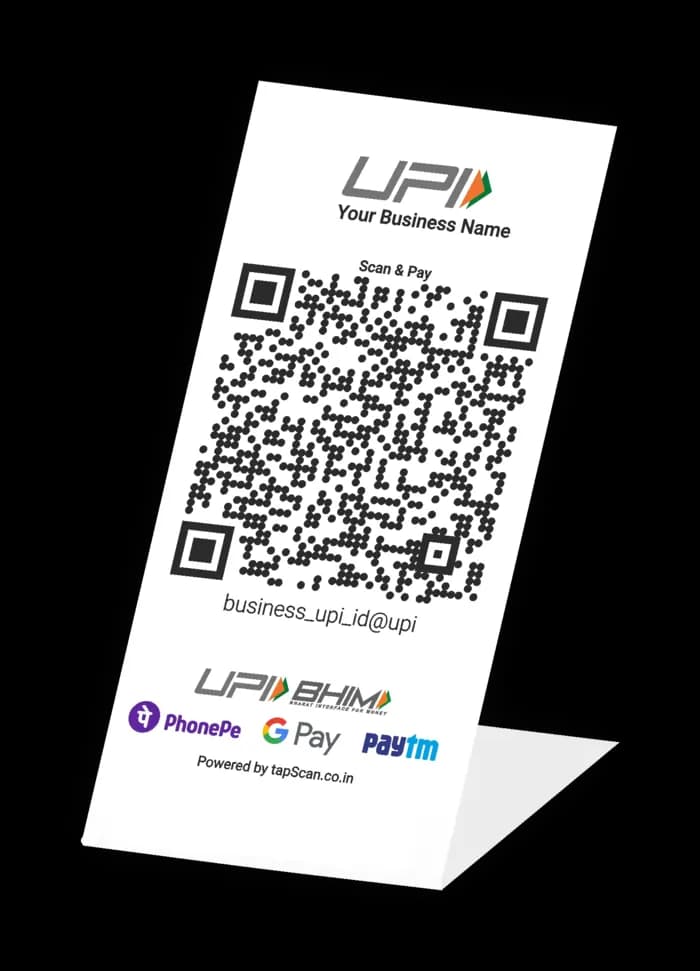
Counter Standees
A visible, stable display for reception and payment counters.
✓ Counter-ready
✓ Easy-to-see QR
✓ NFC tap support
Combo Kits
A card and standee for more than one customer touchpoint.
✓ Card + standee
✓ One configured action
✓ Flexible placement
Why TapScan
Designed for everyday customer moments
A clear, practical system without unnecessary steps.
NFC + QR
Two clear ways to open the same destination.
No TapScan app
Customers use their phone browser or scanner.
Ready to use
The supplied destination is configured for the product.
Personalised
Add the business link or details requested at checkout.
Daily-use formats
Choose portable cards, counter standees, or both.
Made for India
UPI, GST invoices, and India-wide shipping are supported.
Your customers already hold the only device they need.
Give them one simple tap or scan to review, follow, subscribe or pay.
Helpful guides
Buy with confidence
Practical guidance for placement, compatibility, and responsible customer prompts.
How to request Google reviews responsibly
Neutral prompts, suitable touchpoints, and policy-safe guidance.
Read guideWhere to place cards and standees
Practical locations for counters, tables, reception, and pickup.
Read guideTest NFC and QR on real phones
Compatibility, antenna placement, QR fallback, and troubleshooting.
Read guideQuestions, answered
Before you choose a TapScan product
No TapScan app is required. A compatible NFC phone can read the tag, while the printed QR code provides a scan option. The destination usually opens in the phone browser or relevant app.
NFC availability and tag-reading behaviour vary by phone model and software. If NFC is unavailable or disabled, customers can use the printed QR code with a working camera or scanner.
Their phone opens the destination configured for the product, such as a Google review page, social profile, YouTube channel, or UPI payment QR flow.
Yes. The product page and checkout request the relevant link, username, UPI details, or branding information needed for the selected product.
Yes. TapScan dual-format products include a printed QR code so customers have a scan option when NFC is unavailable or not enabled.
It displays the payment QR supplied for the order. Customers scan it with a compatible UPI app and should review the payee and amount before confirming payment.
Ready to turn more customer moments into action?
Choose an original TapScan card, standee, or combo and connect customers to the right destination.